

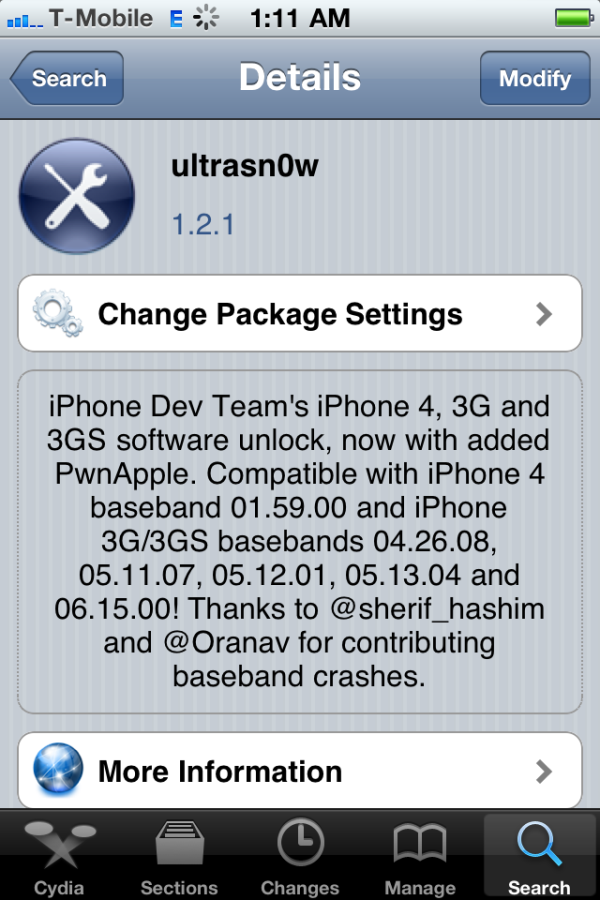
Eine Unlock-Anleitung gibt es in wenigen Minuten hier: Anleitung mit Bildern: iPhone Unlock mit Ultrasn0w 1.2.1
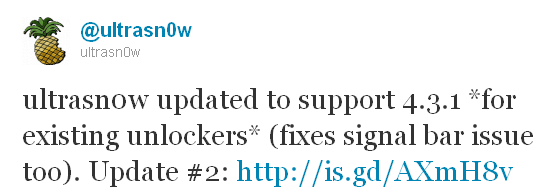
The iPhone Dev-Team has announced an update to UltraSn0w that makes it compatible with iOS 4.3.1 for basebands previously unlocked.
We’ve pushed out the 4.3.1 compatibility fix for ultrasn0w in Cydia — it’s now at version 1.2.1. If you’re not already at 4.3.1 and you need the unlock, please be sure you understand how to get to 4.3.1 using a custom IPSW that doesn’t update your baseband. There are lots of guides for this (like at iClarified.com).
This isn’t a new unlock! It’s to allow those who are already unlocked to use FW 4.3.1. It also fixes the signal bar issue for those who aren’t using the unlock but retain an older baseband intentionally.
After installing UltraSn0w 1.2.1 you should reboot your device by using the normal power button and „Slide to Power Off“ swipe. USA T-Mobile users need to disable 3G mode in Settings:General:Network.